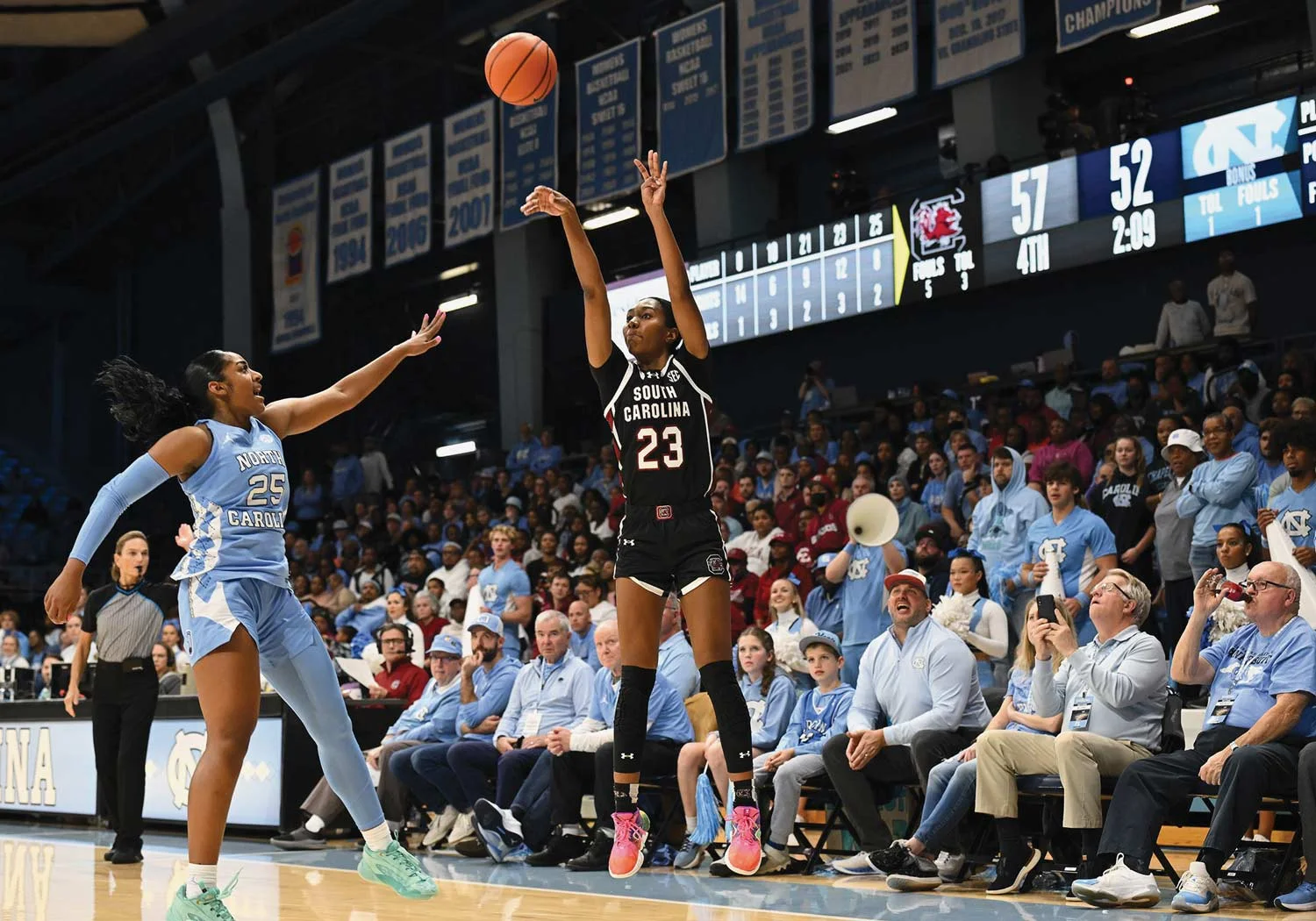
NCAA women’s basketball uses a 30-second possession clock, but a stoppage does not always restore 30. Depending on what happened, the correct display can be exactly 20, at least 20, a fresh 30, or the unexpired time. That is why a defensive foul can leave 23 seconds in one sequence and produce 30 in another.
The most useful current examples are the NCAA’s October 14, 2026 corrections to A.R. 2-25 and 2-26. They distinguish the foul’s location from the ball’s location, a detail that can disappear from a quick television explanation. This guide follows those corrections and the 2025–26/2026–27 women’s rules book, checked through October 30.
For the next confusing reset, identify the event before memorizing a number. Ask who controlled the ball, whether the shot touched the rim, where the relevant foul occurred, and whether play stayed live. The answers explain the clock far better than the general statement that a team “kept possession.”
Start with the reason for the stoppage
The cleanest way to understand a reset is to sort the event into one of four outcomes: keep the remaining time, restore 30, restore at least 20, or set exactly 20. Rule 2-11.6 of the women’s rules book separates those categories. The distinctions are deliberate; the operator is not choosing among several equally acceptable numbers.
“At least 20” deserves particular attention. If a qualifying event occurs with 23 remaining, the offense keeps 23. If the same qualifying event occurs with 18, the clock goes to 20. In that category, 20 is a minimum, not an instruction to take away three seconds whenever the display is higher. A viewer who remembers only the word “twenty” can therefore mistake a correct unchanged clock for an omission.
Exactly 20 describes another category. After a qualifying offensive rebound in the frontcourt following rim contact, the new interval is 20. That is a replacement possession interval, rather than the same minimum used for a qualifying defensive foul. The outward result can look identical when both displays show 20, even though the rules reached that number through different events.
The chronology also matters. The NCAA’s two-season rules-change summary places the relevant frontcourt dead-ball change in the rules effective with 2025–26. The October 2026 corrections clarify current examples; they do not turn every reset distinction into a newly adopted rule for this opening week. The stated rationale was that teams awarded the ball in their frontcourt do not need extra time to advance from the backcourt.
That rationale helps explain the policy without resolving every individual play. You still have to identify the actual trigger, the controlling team’s perspective and any applicable exception. When a broadcast says the NCAA wants more possessions, treat that as an explanation of the rule’s purpose, not evidence that a particular reset increased the pace of that game. The clock decision comes from the event on the floor.
For a defensive foul, the foul’s location can decide the reset
Follow the contact, not just the dribbler. The NCAA’s October 14 pair of corrected cases deliberately places the ball in the backcourt while changing where the foul occurs. Both examples specify that the offense is not in the bonus. That condition matters because these are throw-in examples, not a general explanation of every free-throw penalty.
A frontcourt foul can leave 23 seconds on the clock
In A.R. 2-25, Team A inbounds after a made basket. A defender intentionally kicks a pass with 26 seconds showing; after the restart, A1 is dribbling in the backcourt when B2 fouls A2 in Team A’s frontcourt. The corrected ruling awards a frontcourt throw-in. If the shot clock shows 23, it remains at 23. If it shows 18, it is reset to 20.
The detail that surprises viewers is the separation between ball and foul. The camera naturally follows A1 dribbling behind midcourt, but the penalized contact involves another pair of players ahead of the ball. The NCAA identifies the foul’s location as the deciding factor in this example. Seeing the ball remain in the backcourt therefore does not establish that the next throw-in or reset must be administered there.
For the offense, keeping 23 preserves more time than cutting the clock to 20 would allow. For the defense, committing the same qualifying foul later in the interval can restore time to the opponent. That difference is a consequence of the minimum, not an inconsistency between crews. It is also why an accurate explanation should say “20 or the remaining time, whichever is greater” instead of promising the same display after every frontcourt foul.
A backcourt foul restores 30 in the corrected example
A.R. 2-26 begins with the same made basket, kicked pass and restart. This time B1 fouls the dribbler, A1, in Team A’s backcourt. The corrected ruling restores 30 whether the display showed 23 or 18. Play resumes with a backcourt throw-in at the designated spot nearest the foul. The changed contact location produces both a different restart location and a different clock result.
Keep the limits of the comparison visible. These cases do not say that all fouls automatically produce an inbound, or that shooting, bonus and flagrant-foul situations can be ignored. They isolate an ordinary defensive personal foul under the stated conditions. When watching another play, match those conditions before borrowing its answer. That is more useful than asking whether the operator “usually resets to thirty” at that arena.
A rebound is different when the shot hits the rim
A second-chance possession is the familiar reason fans see 20. Under Rule 2-11.6.d.1, the shooting team’s first control in its frontcourt after an unsuccessful field-goal or free-throw attempt that contacts the ring or flange and remains live brings a 20-second interval. The rim contact and the team gaining control are essential parts of the description.
Compare a defensive rebound after that rim contact. When the nonshooting team is first to gain control, the rules provide a fresh 30. The same missed shot can therefore precede different displays depending on who wins the rebound. That difference does not mean one team was rewarded more generously for a loose ball; it distinguishes a new attacking possession from a continuation by the shooting team.
For an offensive rebounder, the shorter new interval encourages recognizing the next action quickly. An immediate putback may be available, or the ball can be passed out to reorganize. The reset does not require either choice. It establishes the time within which the group must turn the extra opportunity into another legal attempt. Our women’s college basketball records guide gives broader rebounding context; the clock rule explains the possession that follows the rebound.
An air ball does not earn a fresh possession clock
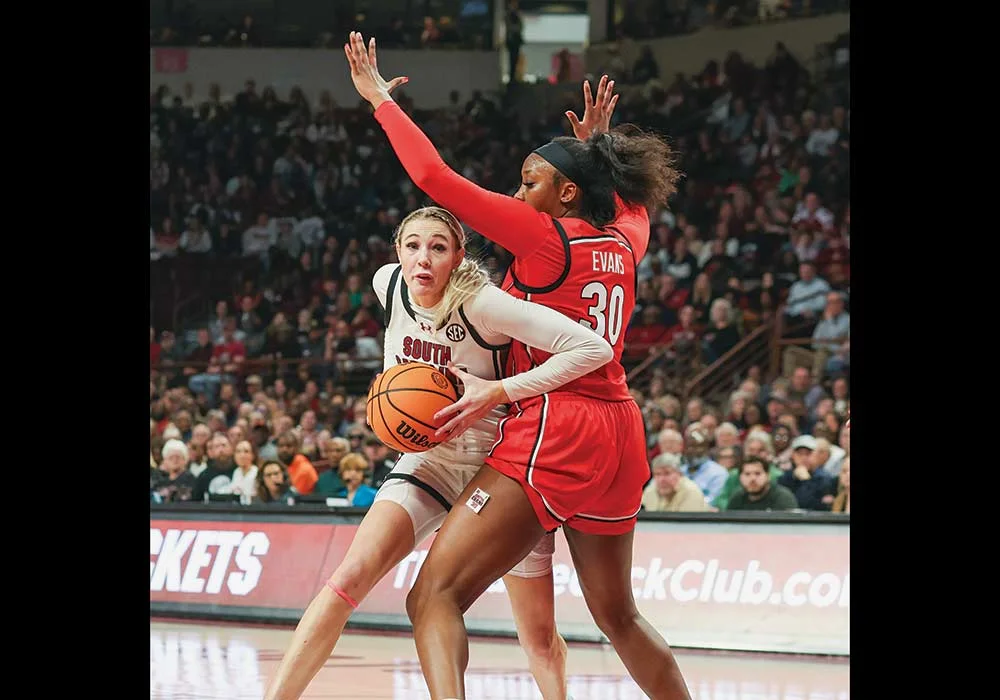
A shot missing the ring or flange does not create the same reset for the shooting team. The rules tell the operator to keep timing in that situation. If the offense retrieves its own air ball, the players cannot assume that calling the recovery a rebound grants another 20. Backboard contact alone should not be confused with the ring or flange contact specified by the reset rule.
Imagine a hurried perimeter attempt with four seconds showing. The ball misses the rim and a teammate gathers it near the lane. That player must work with the remaining interval rather than wait for a routine second-chance setup. If the same attempt had struck the rim before the offense established frontcourt control, the reset analysis would be different. The flight of the original shot, rather than the effort or location of the rebounder alone, supplies the missing information.
This is also why officials may briefly confer about whether a shot touched the rim. The question has consequences for the next attempt, not merely for how the miss is described. From the stands, a changed display after that discussion can be a correction to the event’s classification. Check the rim-contact decision before interpreting the delay as evidence that the basic reset rule is uncertain.
A live steal and a dead-ball award can produce different clocks
Winning the ball does not always mean starting with 30. The current women’s rules distinguish a live change of team control from particular dead-ball awards in the new offense’s frontcourt. That distinction is easy to miss when both events appear in a highlights package as “pressure forces a turnover.” The result in a box score is less specific than the information required to set the clock.
For a live-ball change of team control with the ball remaining live, Rule 2-11.6.b.1 provides 30. Picture a defender cleanly intercepting a pass and continuing toward the basket. The possession changes during uninterrupted action. The fact that the interception occurred close to the attacking basket does not transform that live steal into a 20-second dead-ball award.
Now change the event. The previous offense commits a violation in its own backcourt, and the opposing team is awarded a throw-in. That same area of the floor is the receiving team’s frontcourt. Under Rule 2-11.6.d.6, this specified dead-ball award produces 20. The defense has succeeded by forcing the violation, but it begins a frontcourt inbound rather than carrying a live steal directly into transition.
The perspective change is crucial. “Backcourt” does not name one fixed half of the building. It describes a court area relative to the team being discussed. Once the other team receives the ball, its attacking direction reverses that description. A commentator saying the violation happened in the backcourt and then announcing a frontcourt throw-in can be describing the same physical location correctly from two teams’ perspectives.
This is the part of the rules often compressed in summaries of the 2025 changes. The practical reason is visible: the awarded frontcourt possession does not require the new offense to bring the ball up the floor. Still, the full rule’s conditions matter more than a short announcement. Not every whistle, turnover or possession award has the same result.
For fans comparing two defensive sequences, start by asking whether anyone established a live steal or whether the officials awarded an inbound after a violation. Then identify the new offense’s frontcourt. Those observations explain the apparently uneven clock treatment without assuming that one turnover was considered more valuable than another. The difference is the manner of restarting play.
Why a timeout, deflection or held ball may leave the clock alone
Keeping the ball can mean keeping the difficult clock as well. Under Rule 2-11.6.a, a routine defensive deflection out of bounds does not restore the offensive possession clock. A charged timeout also does not create a fresh interval. The stoppage allows organization or a substitution under the appropriate rules; it does not itself erase time already consumed.
Imagine an offense with eight seconds remaining when a defender knocks a pass into the seats. The offense gets another inbound, but it still has to create its next attempt within the unexpired interval. An inbound diagram featuring several patient reversals may no longer fit. That pressure is part of the defensive success, even though the possession did not change teams.
A held ball during team control follows the no-reset category when the alternating-possession arrow favors the offense. If the same offense retains the ball, the whistle is not a reward of 20 or 30. Be careful, however, about carrying that answer into a different held-ball situation after a shot has touched the rim. The rules distinguish the ball’s previous status and which team is awarded possession; “jump ball” alone is an incomplete description.
A partially blocked attempt provides another concrete comparison. In A.R. 2-16, the shot-clock operator stops without resetting when the partially blocked shot goes out of bounds in the described scenario. A defender getting a hand on a shot does not automatically create a new period. That is different from the defender establishing control and then losing it back to the original offense.
A kicked-ball violation is another distinct event. In the qualifying Rule 9-6 situation before a shot contacts the rim, the applicable clock treatment is 20 or the remaining time, whichever is greater. A hand deflection out and an intentional kick can interrupt the same passing lane while leading to different times. Listen for the actual violation before comparing the resets. The ball ending beyond the boundary tells you where play stopped, not everything about why it stopped.
This is the value of following possession rather than merely touches. A loose ball can glance off several defenders without creating new team control. The offense may still be operating under the old interval when it recovers. A close view of the recovery and the official’s signal is often more useful than repeatedly watching the final shot that followed.
The final seconds require a second look at the game clock
A correct reset can make the shot-clock display disappear. Rule 2-11.8 directs the operator to turn off the display when a reset situation occurs and the game clock shows less time than the applicable shot-clock period. The offense still has only the time left in the quarter or overtime. A reset does not add time to the game itself.
Take a qualifying frontcourt offensive rebound with 18 seconds left in the quarter. The applicable new shot-clock interval is 20, which exceeds the remaining game time, so the display is turned off. Change the game clock to 24 and the same 20-second interval can remain active, leaving a possible shot-clock deadline before the period ends. The difference comes from comparing two clocks, not changing the rebound rule.
That comparison helps explain late-period strategy. A team that can use the entire remaining quarter may organize for the last attempt, while a team facing an earlier possession deadline must act sooner. Neither situation guarantees the desired final shot: a turnover, foul or another qualifying event can change the picture. Watch the remaining game time after each event instead of assuming the first clock-off moment settles the rest of the period.
A clock correction is a different question from a reset
A reset identifies the interval to which the offense is entitled. A correction addresses whether a clock was operated properly. Rule 11-3.1.k permits review of a shot-clock malfunction or a mistake in starting, stopping, setting or resetting it, within the specified shot-clock period. That is narrower than an unlimited ability to revisit every earlier possession after another play produces an argument.
The starting trigger also changes with the event. On a throw-in, the clock begins with the legal touch by a player on the court, rather than the inbounder’s release. After an unsuccessful shot, control is relevant to starting the next interval. A clock that begins at the wrong moment can therefore need correction even when its original reset value was right. Identifying “20 or 30?” does not finish the entire timing inquiry.
For the next game, use the women’s college basketball TV schedule and keep a simple viewing order: identify the ruling, identify control, locate the relevant action, then compare the clocks. The preseason and opening-date guide distinguishes the events on the calendar. During the game, the event on the floor is what explains whether the next display should be 20, 30 or unchanged.
Join the conversation
Share a question or a thought about the women's game. Comments are reviewed before they appear. Keep it friendly, stay on topic and leave out personal information.
No comments yet. Start the conversation.
Sign in with Google to leave a comment. Your email address is not displayed with your comment.